Thumbnail Lab
Cinematic thumbnails from one line.
Type one line. The Lab writes three concepts, renders them with a film look at 2K, cuts the person out, and typesets the title behind them in a style you can change for free. YouTube and Shorts sizes from the same render.
Free to open. A set of three concepts is about a dollar. Hover any picture to see the render before the words.
See it work
Three ways to start. The same editor after.
Type a title, paste a video, or bring your own photo. Whichever you pick, the words stay live: change them, the style, the font and the colour as often as you like, for free.
JPG, PNG or WebP
Concept 1Wide, the last light behind her
Concept 2Close on her face, wind in the hair
Concept 3The coast behind, the title in the sky
1.1Start with a title. There are three ways in: a title, a video link, or your own photo. This is the first.
How it works
One line in. Three thumbnails out.
You never write a prompt. An art director model turns your title into three different concepts, each with its own title, tagline and treatment, and keeps the title area quiet so the words read at 200 pixels wide.
01
Type a line
A title, a topic, or a YouTube link. That is the whole brief.
Example brief: drone cinematic scene from shimla
02
Three concepts, rendered
Three different takes on the same line, each with its own title and style. Same film look on all three.
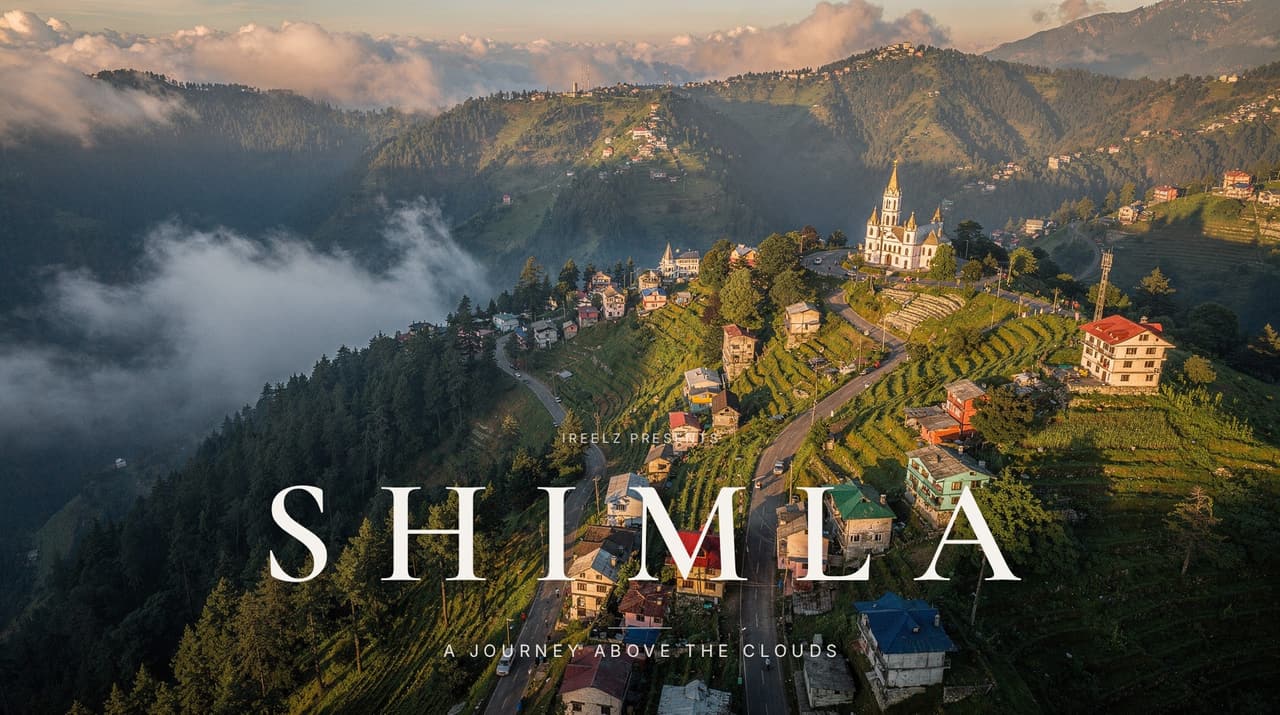
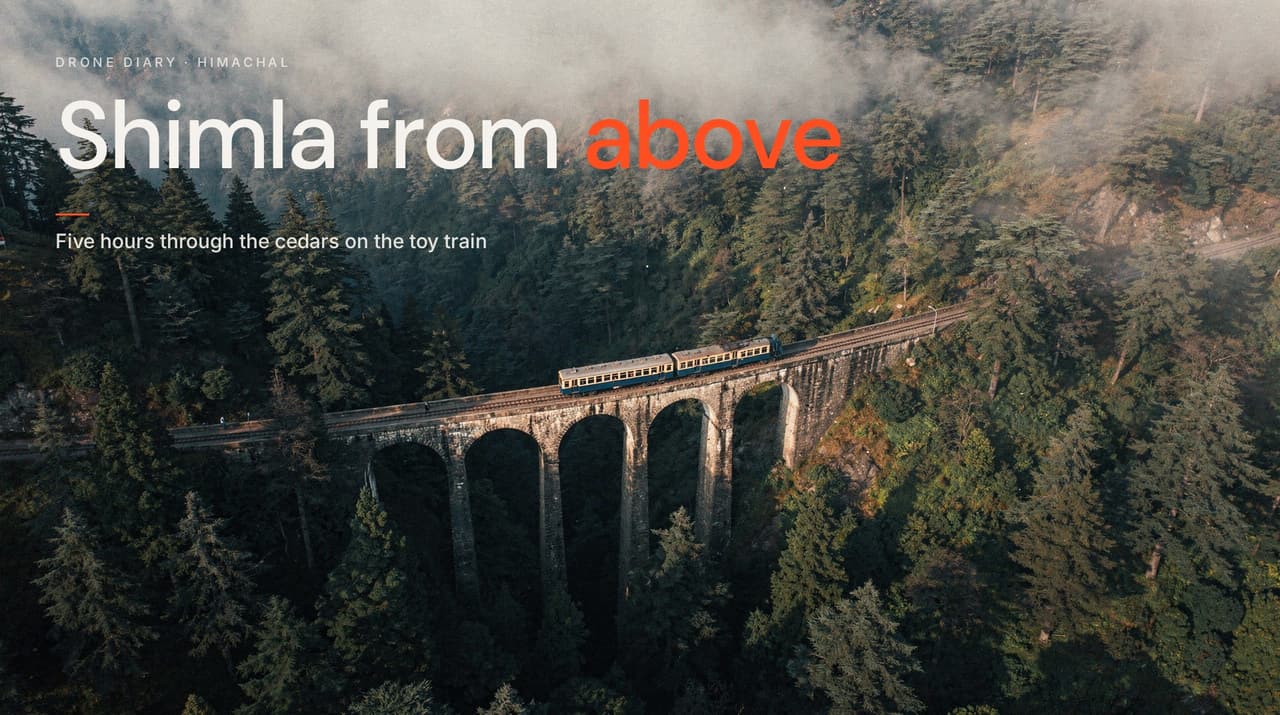
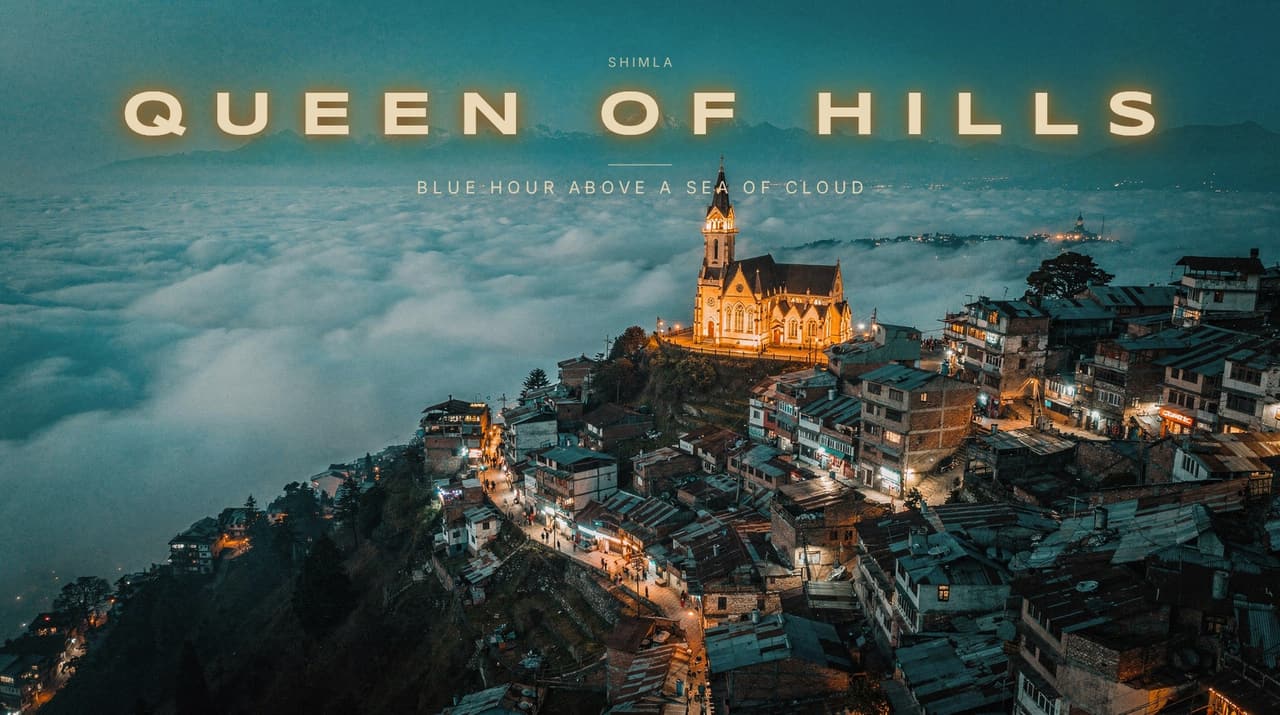
03
Words on, behind the person
The title, tagline and kicker are typeset in the browser. Change the words, the style, the font or the size. It costs nothing. Hover to move the person in front.
Title styles
Five treatments. Same render.
The art director picks one per concept. You can switch at any time, and the words never bend, blur or misspell, because the image model never draws them.
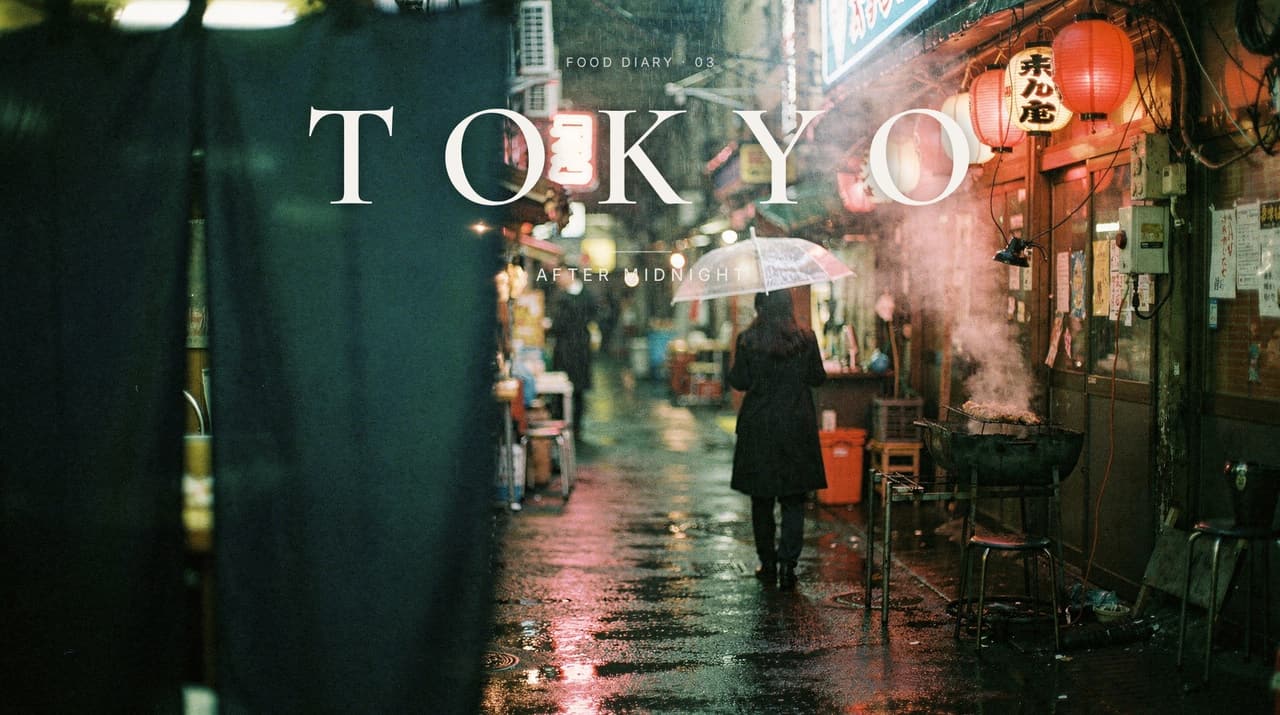
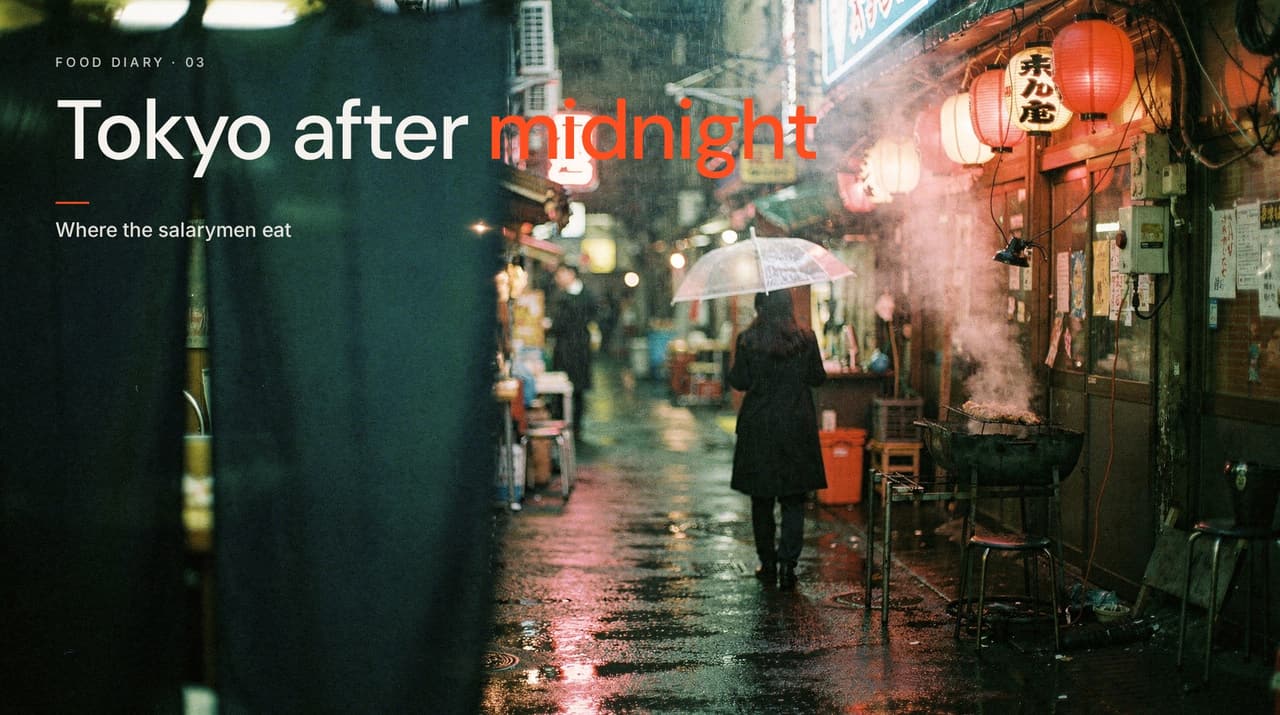
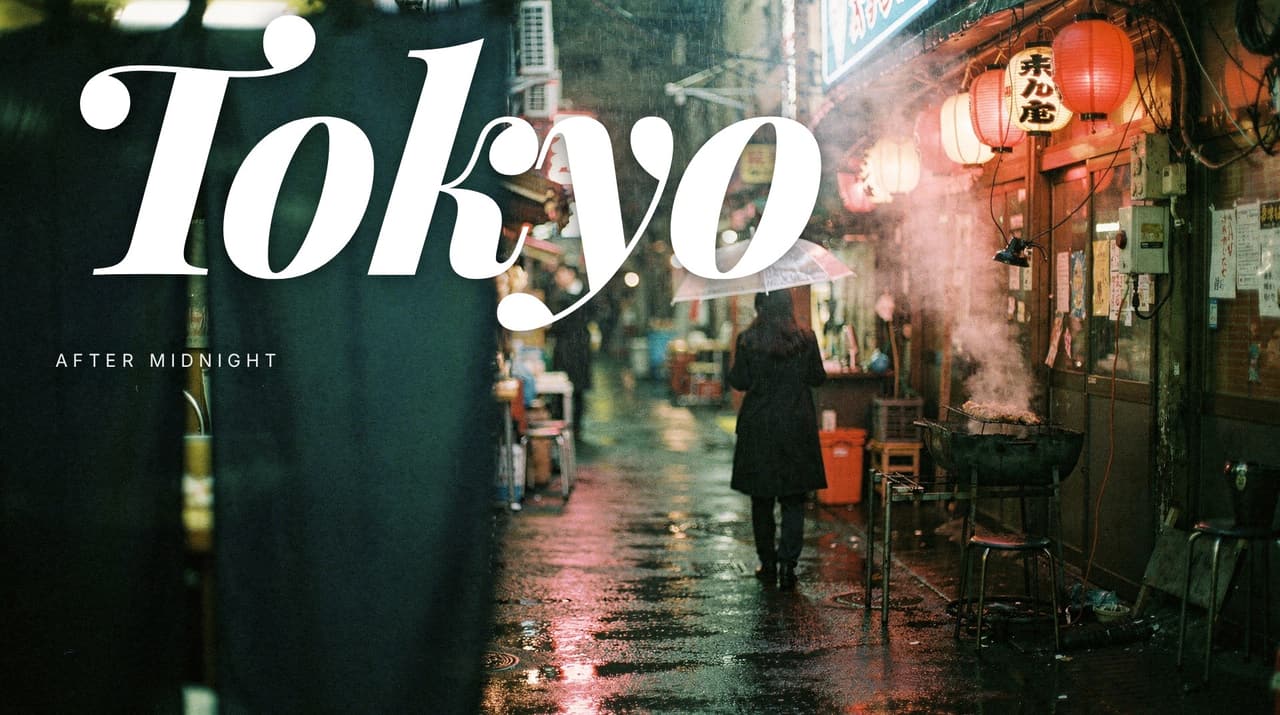
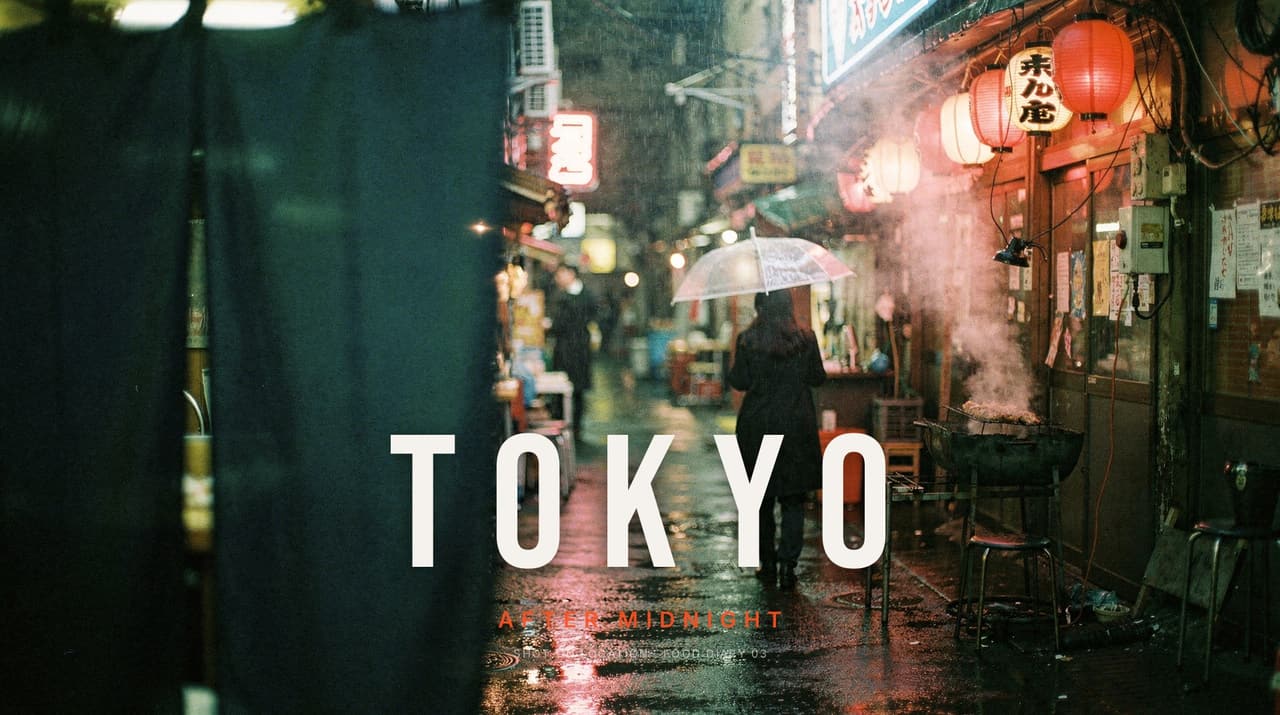
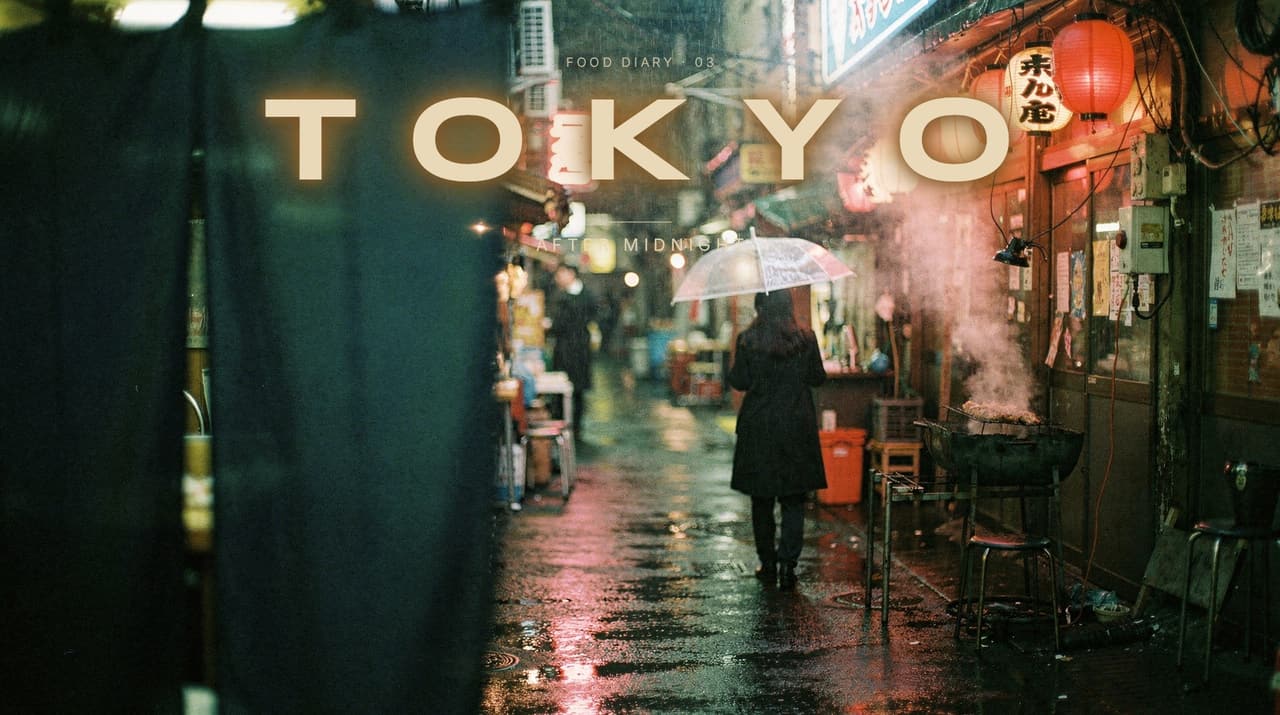
Behind the subject
The person covers the letters. Every time.
Each render carries a cutout of its subject. The compositor draws the words, then puts the person back on top. On by default; one tap turns it off.
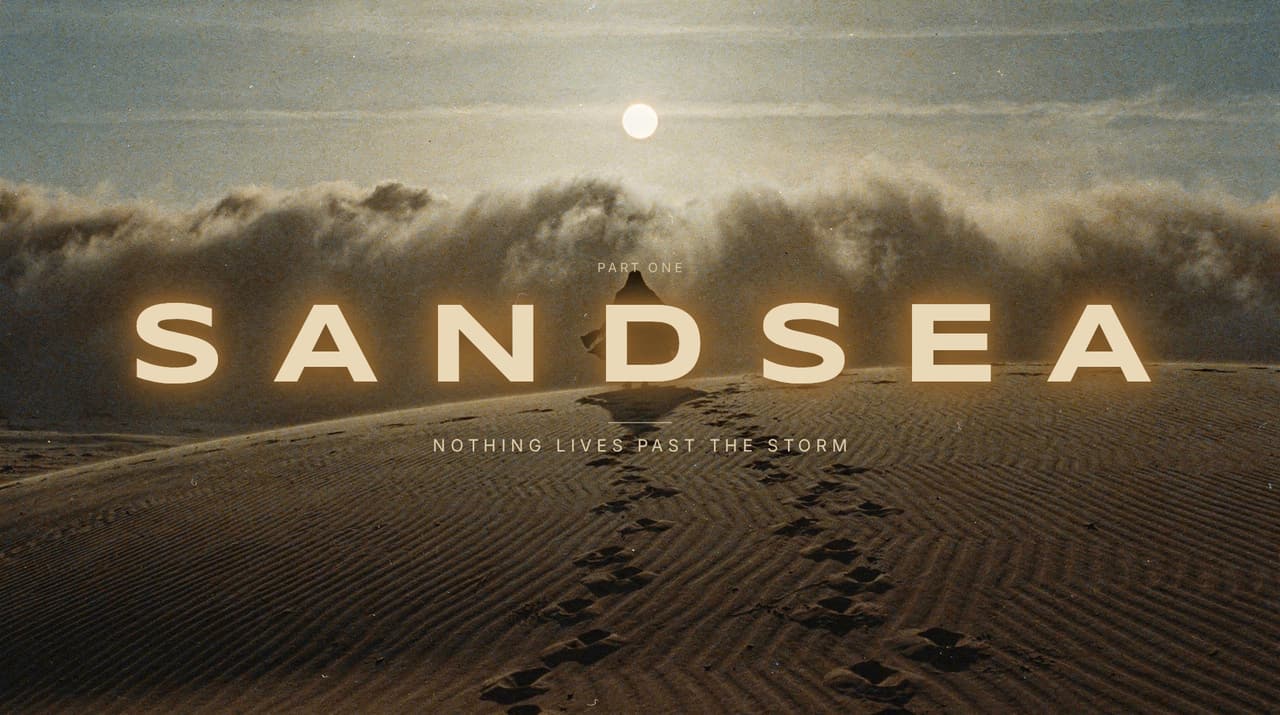
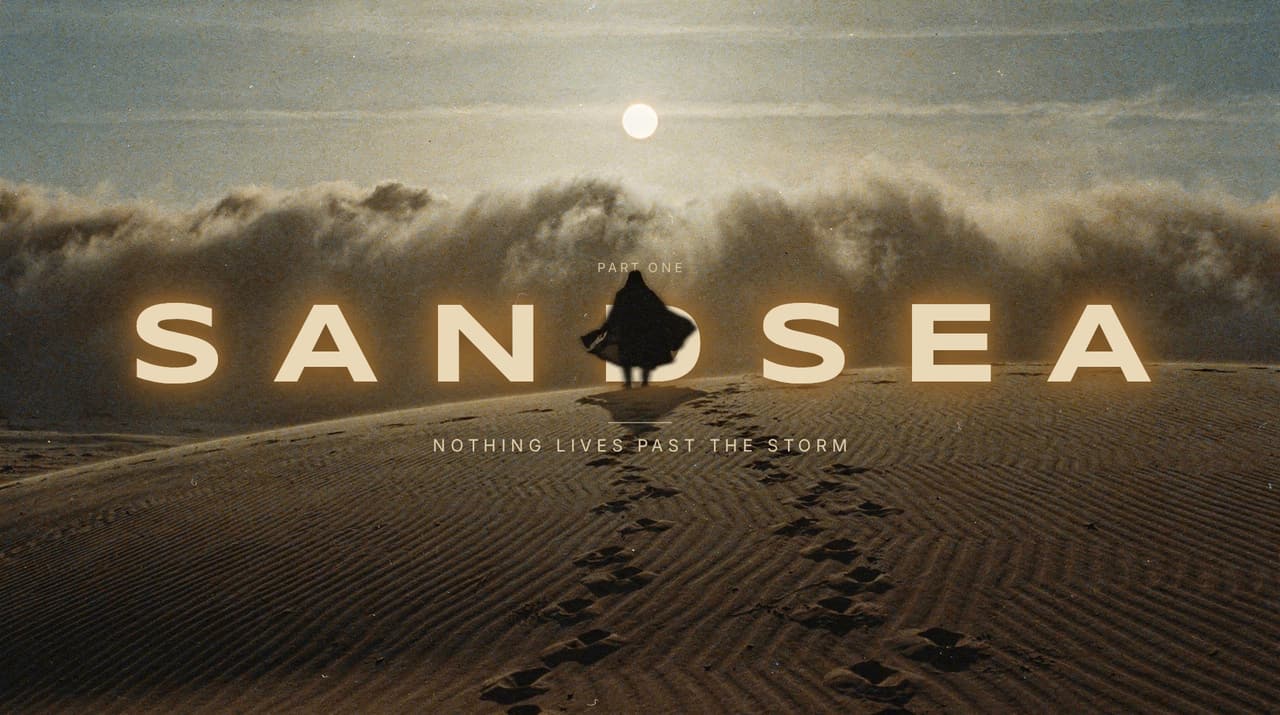
Every size
YouTube and Shorts from one render.
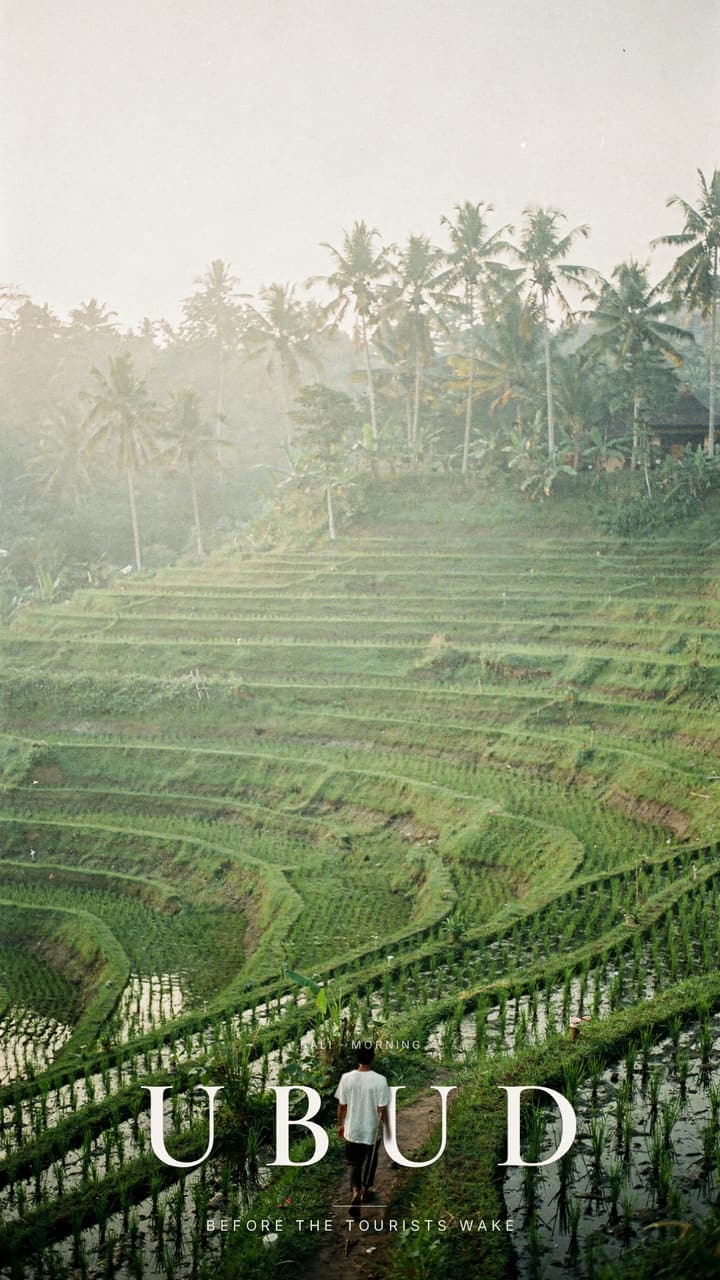
Exports are the render’s own pixels, never scaled down: 2560×1440 for YouTube, 1080×1920 for Shorts, 1440×1440 square. The crop keeps the side the title sits on.
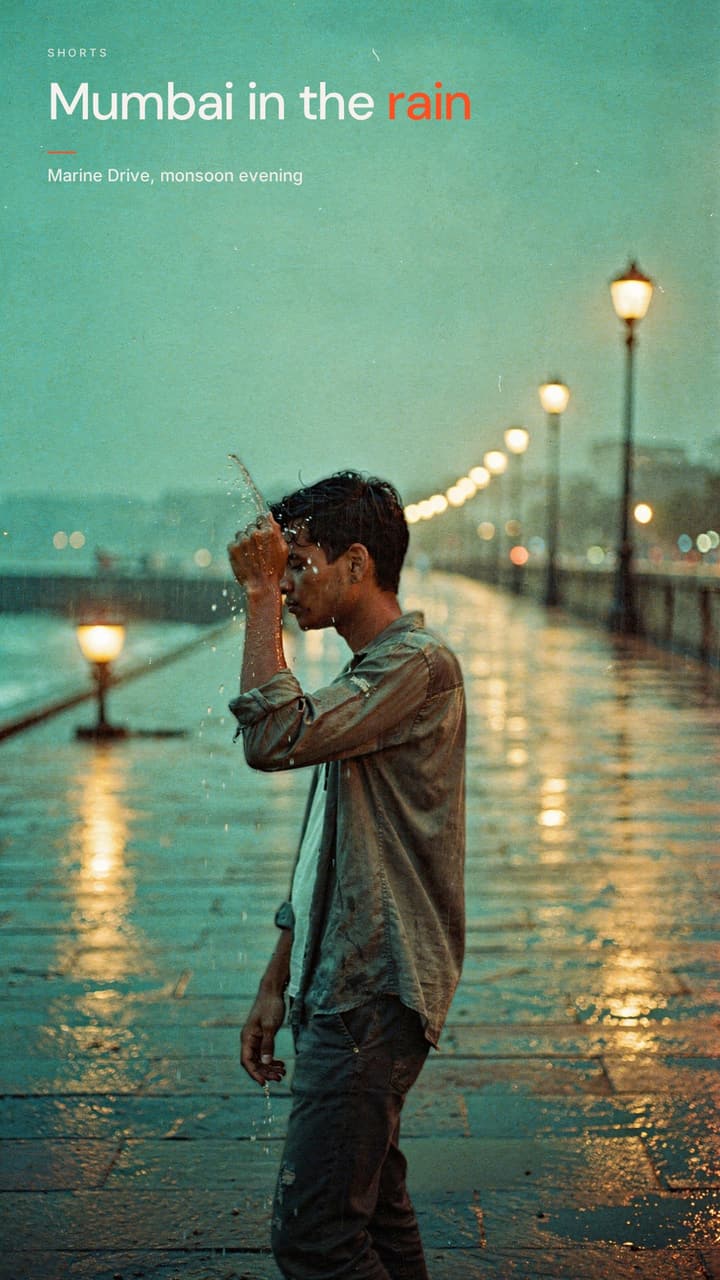
Around the world
Made in the Lab. Unretouched.
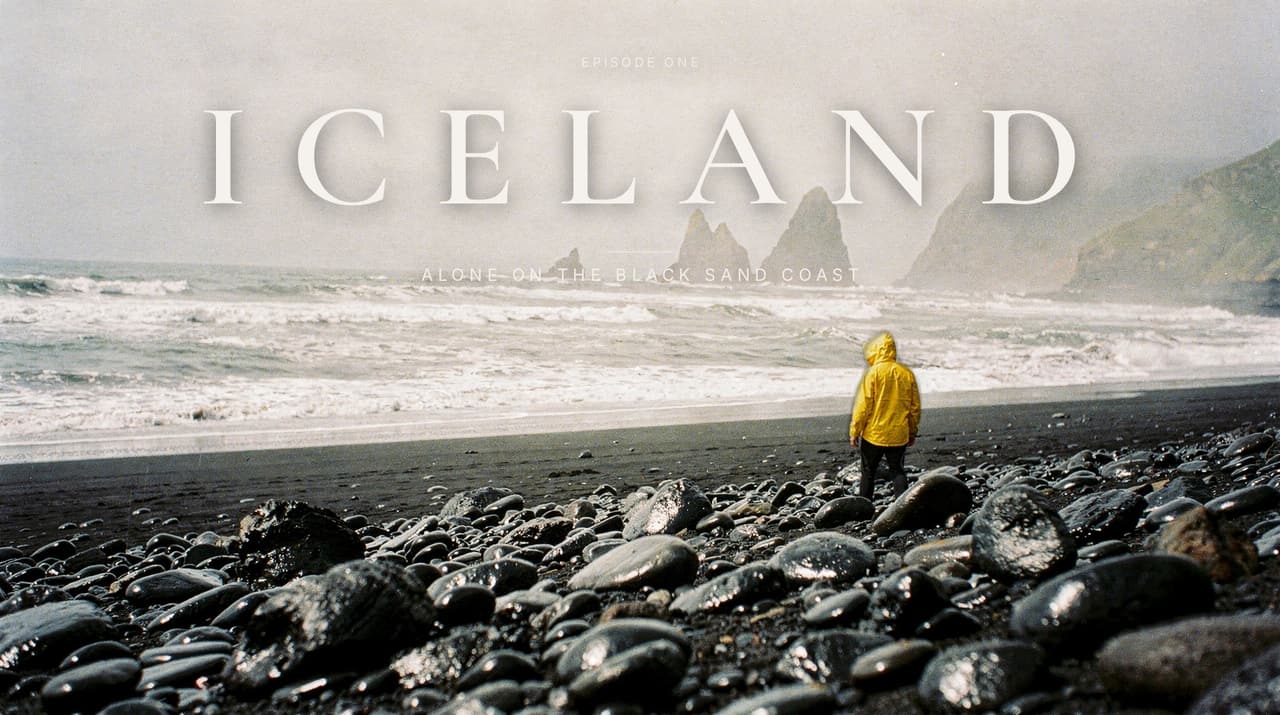
Every image on this page was rendered by the engine from a one-line brief and typeset by the compositor. No Photoshop, no stock. Hover one to try its brief.
“alone on a black sand beach in iceland”Try this brief 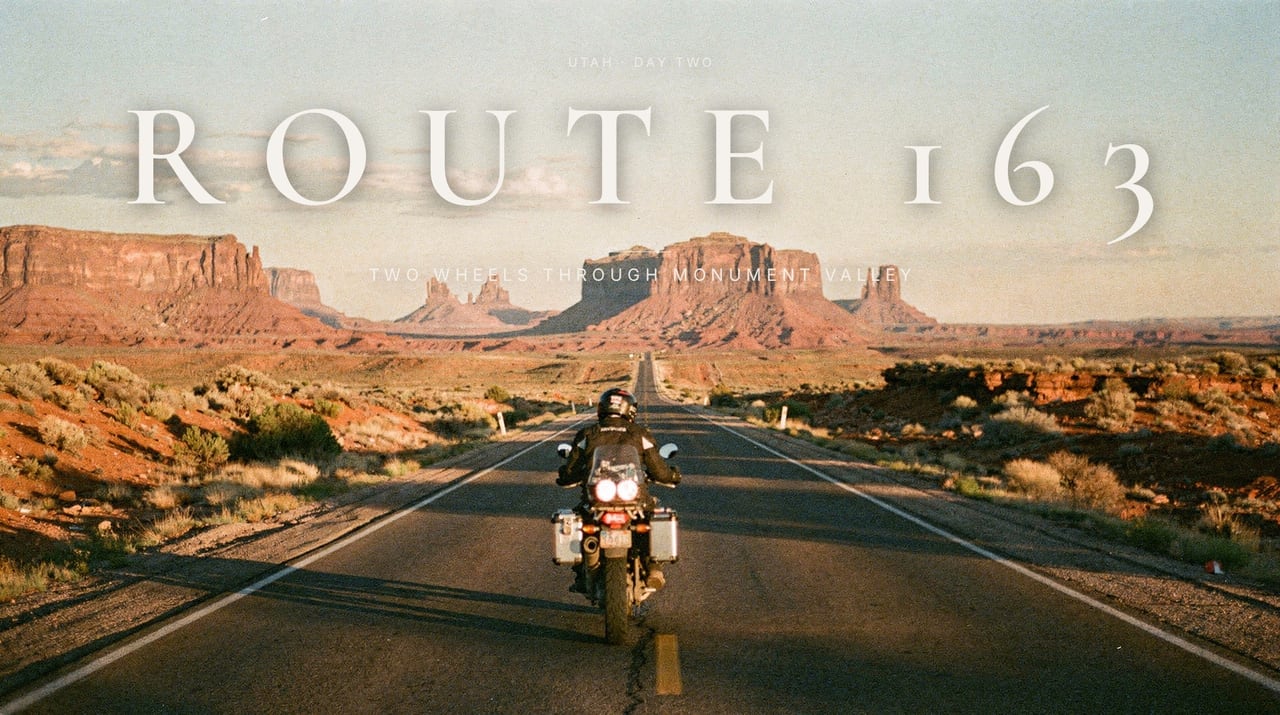 “motorcycle ride through monument valley”Try this brief
 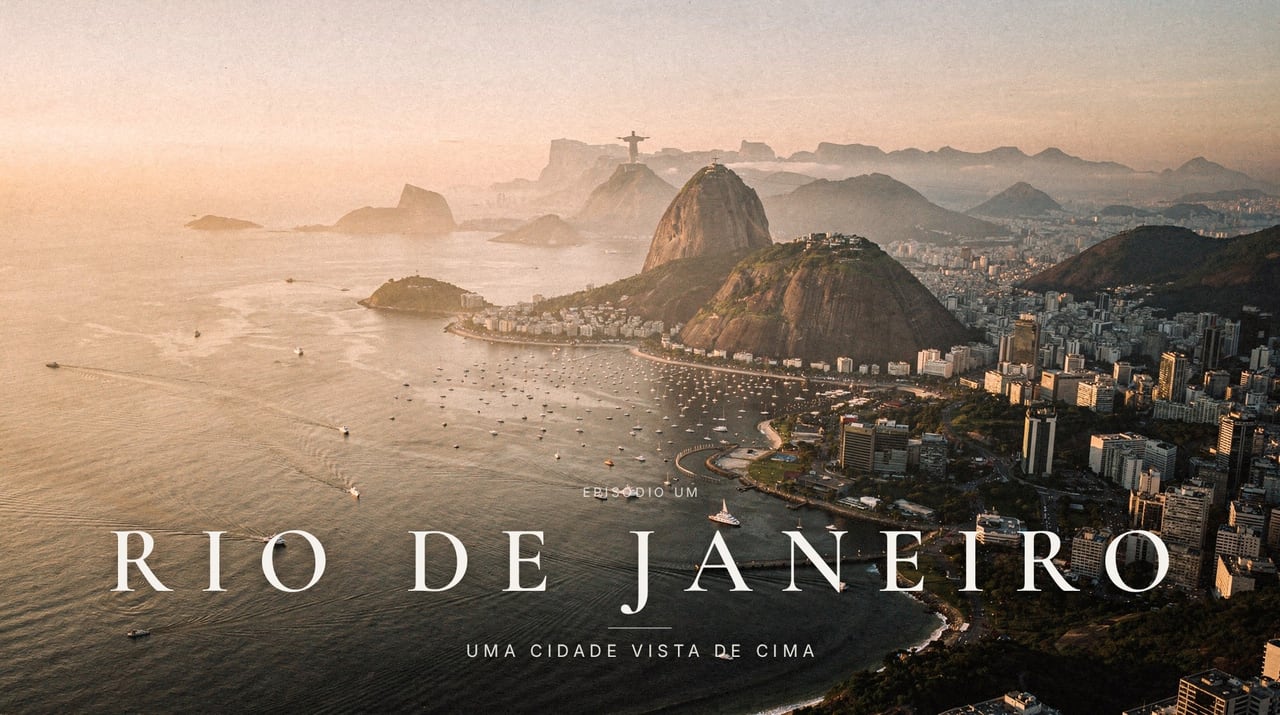 “rio de janeiro vista de cima com drone”Try this brief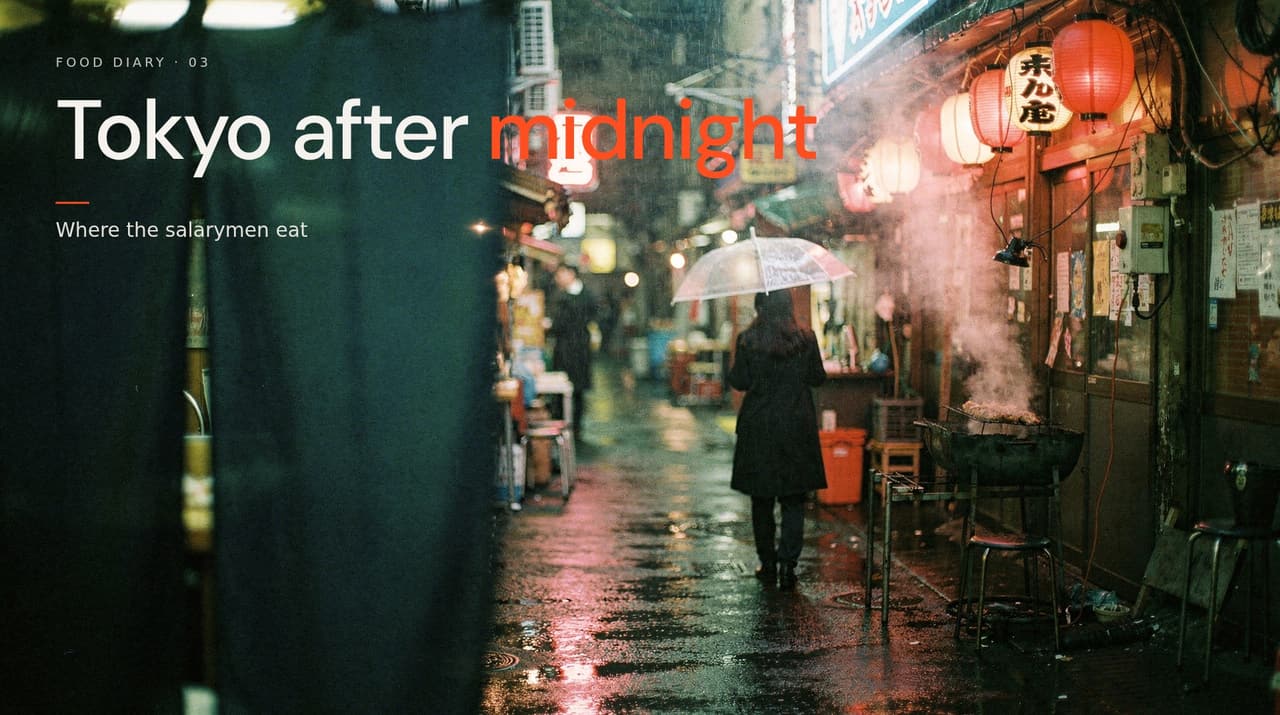
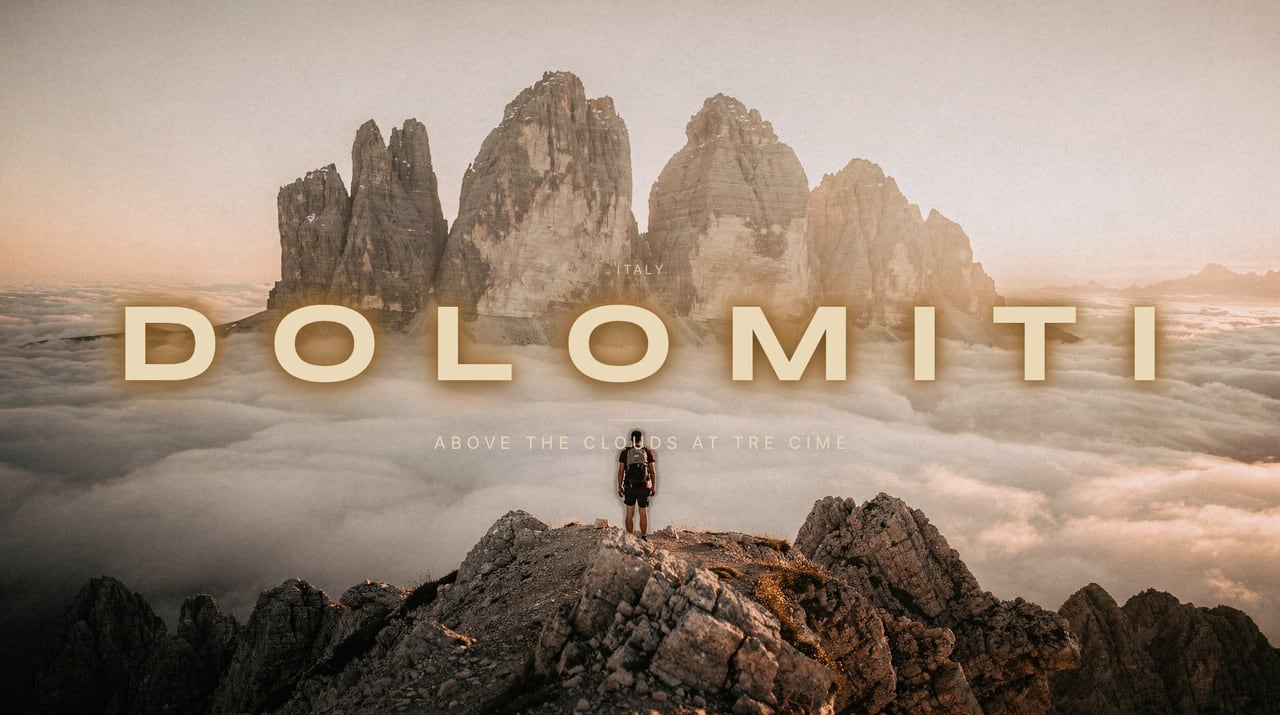
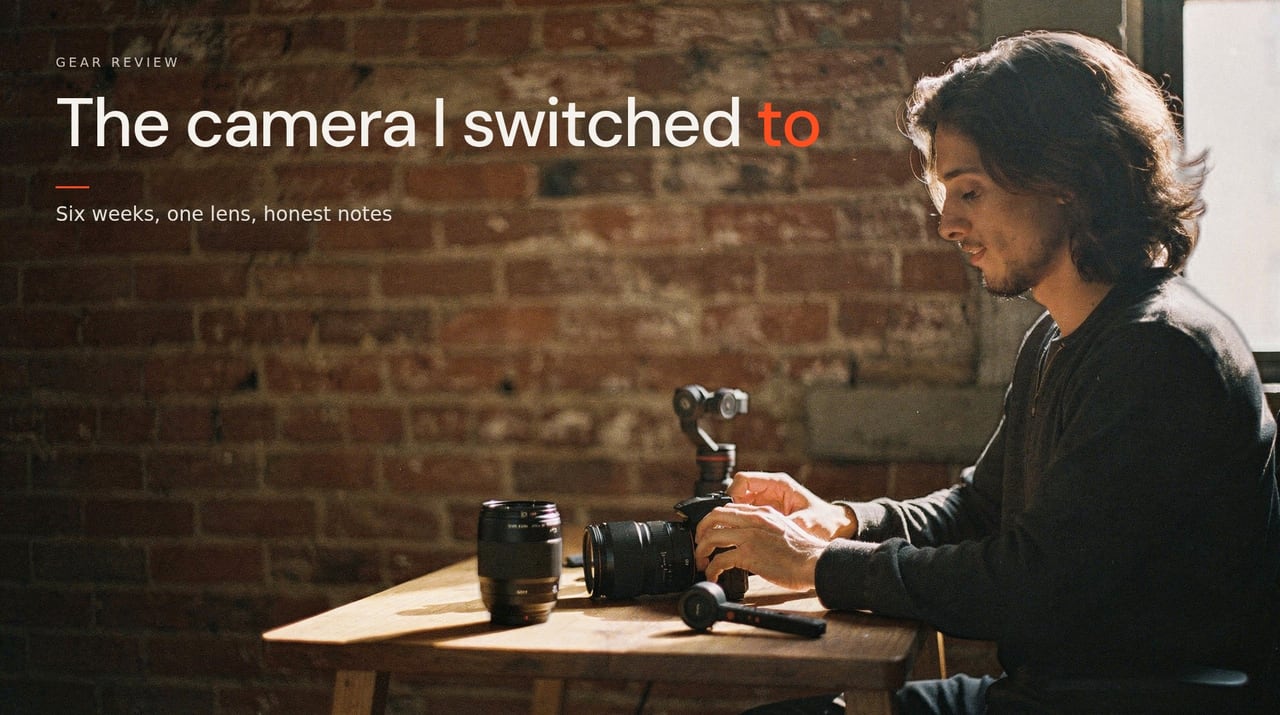 “unboxing the camera i switched to”Try this brief
 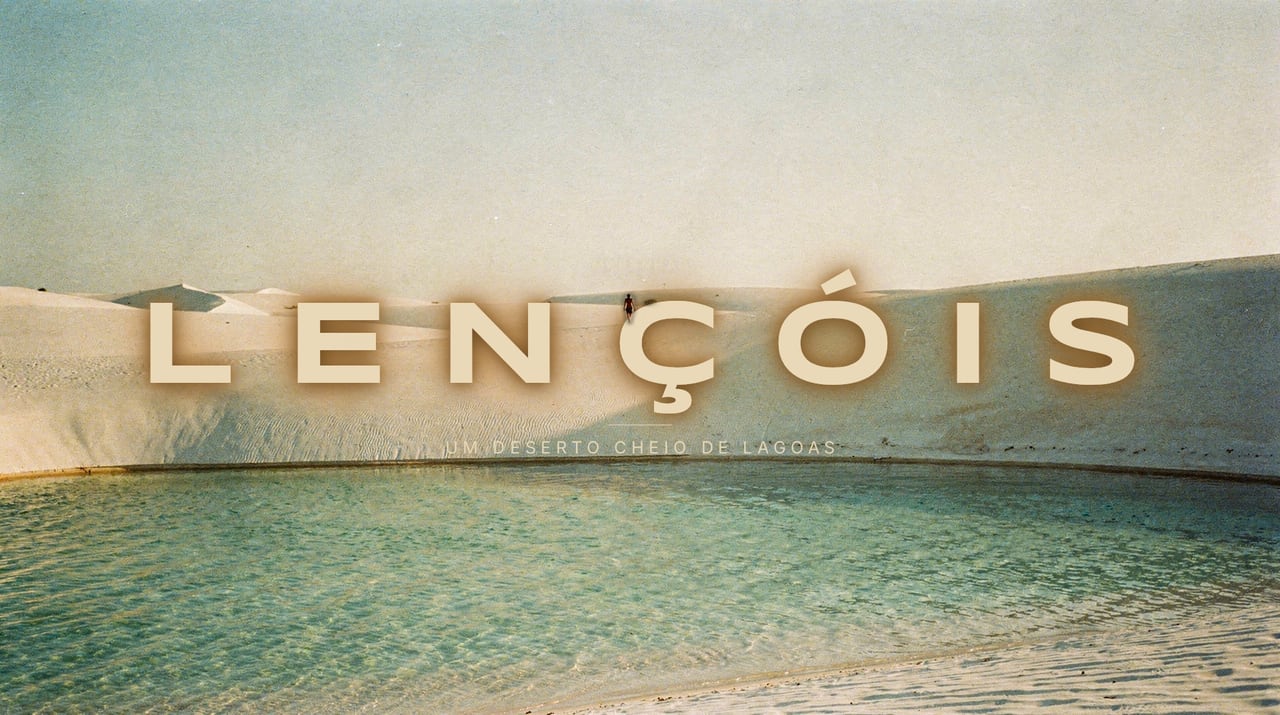 “caminhando pelas dunas dos lençóis maranhenses”Try this brief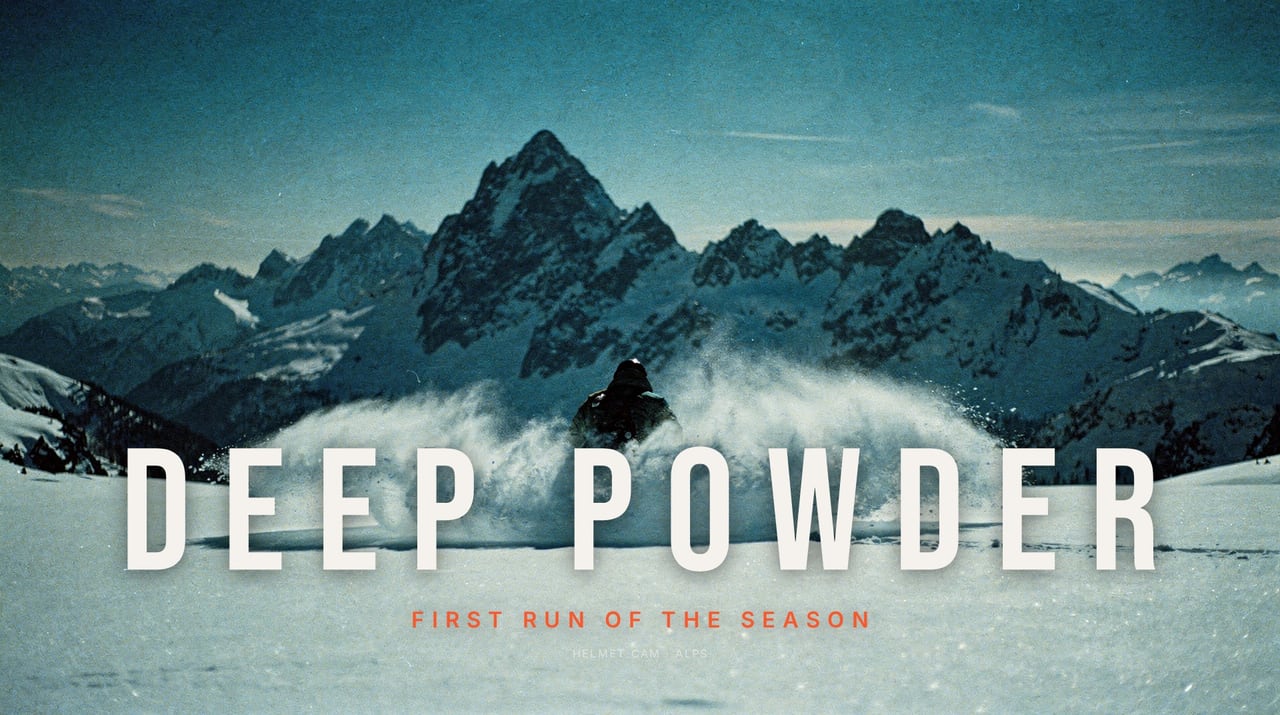
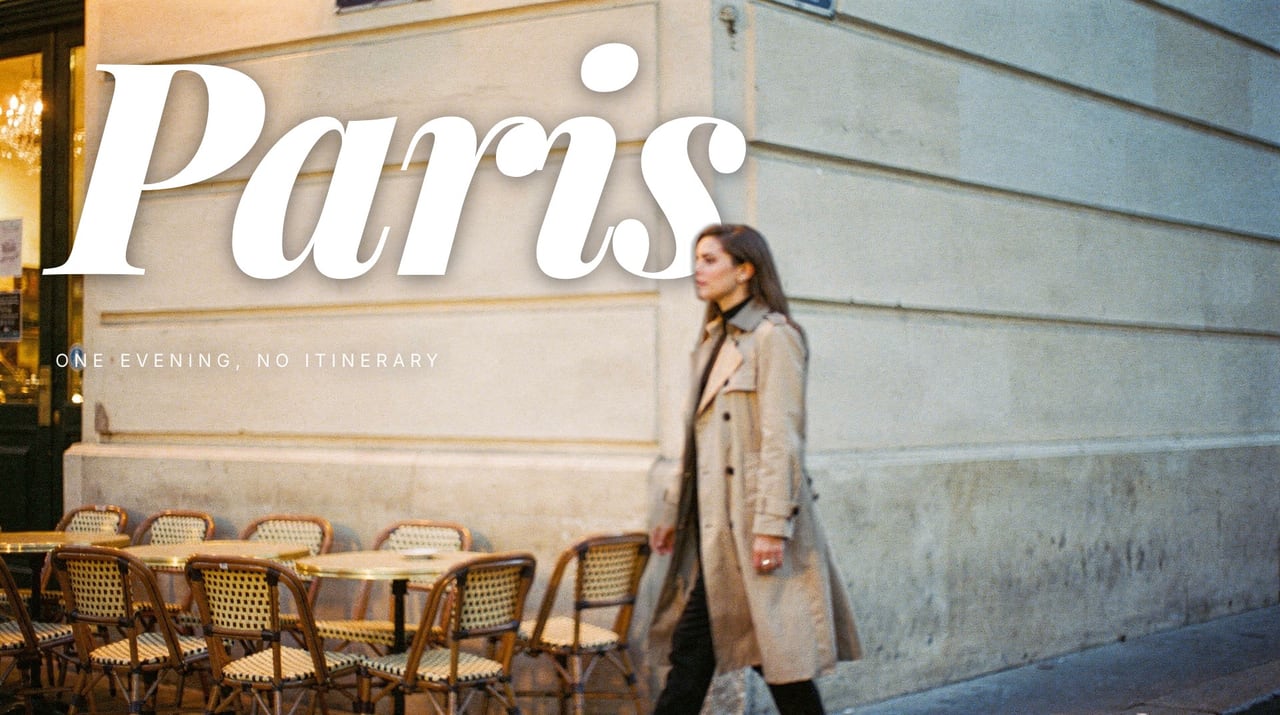 “one evening in paris with no itinerary”Try this brief
 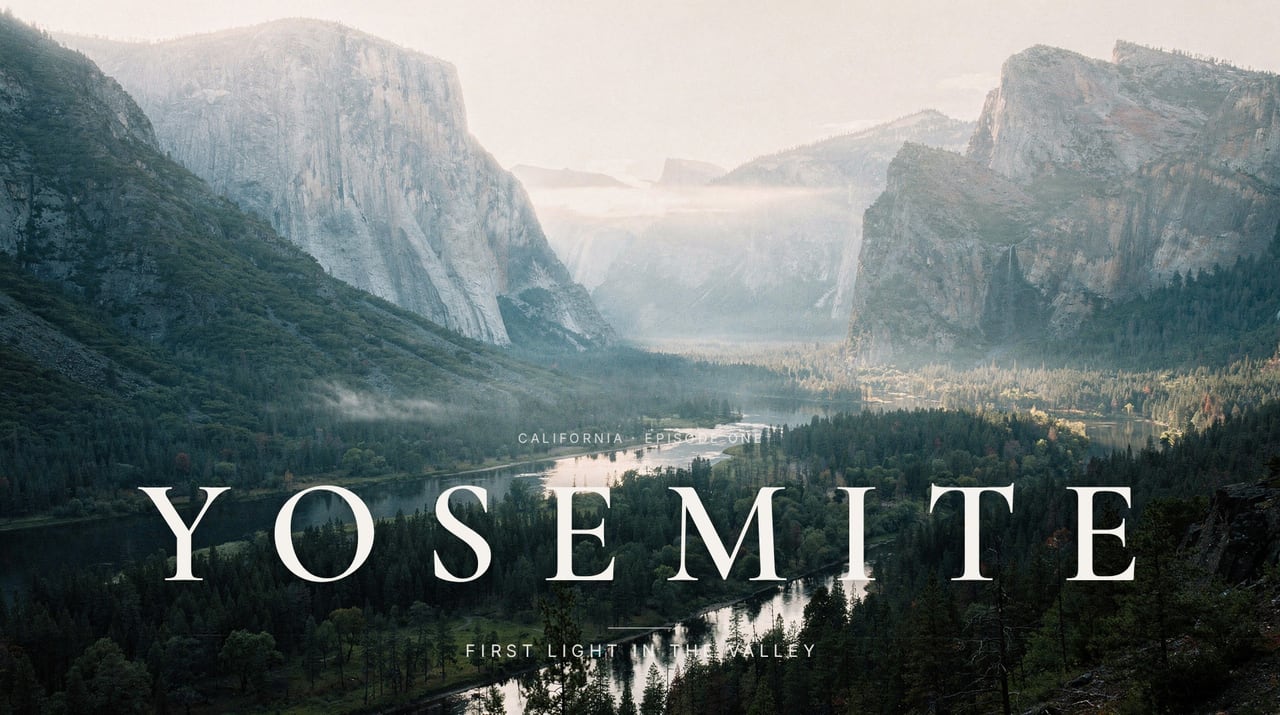 “first light over yosemite valley”Try this brief
 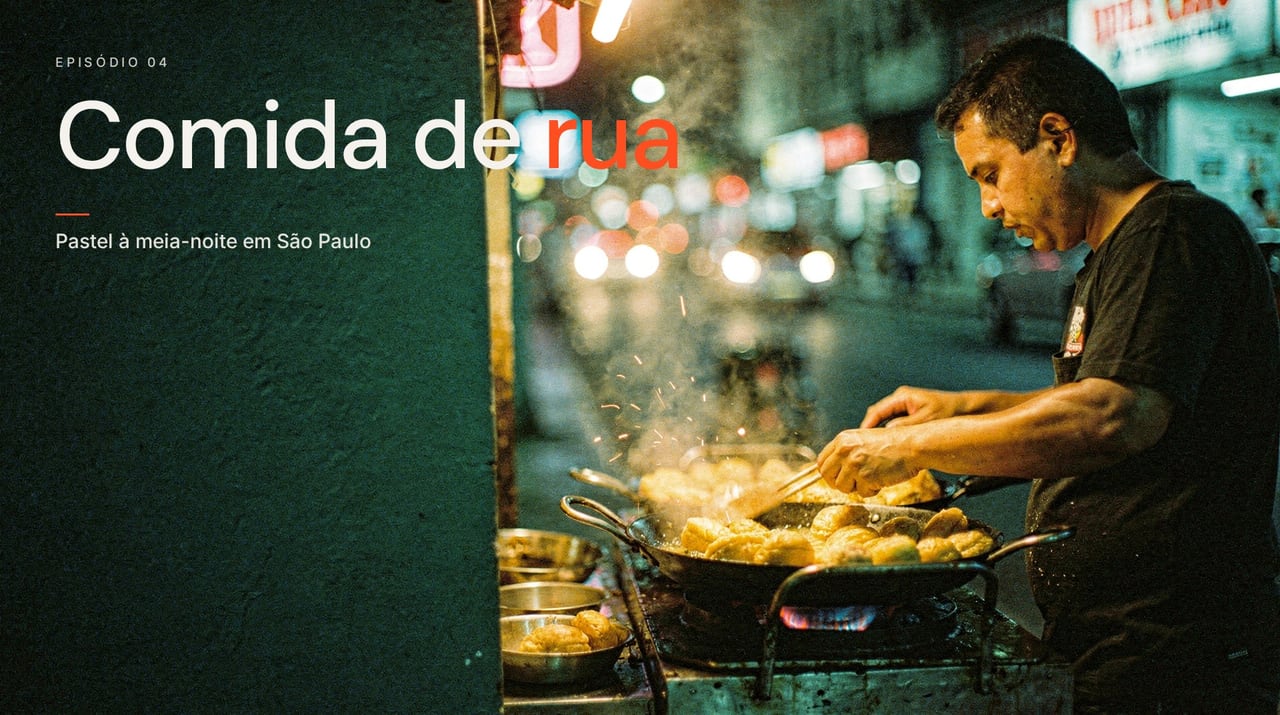 “comida de rua em são paulo à meia-noite”Try this brief “a lone hooded figure walking into a sandstorm”Try this brief
 Pricing
Pay per set. Words are free.
A set is three thumbnail concepts, rendered at 2K with cutouts. Everything after the render, the text, the styles, the exports, costs nothing. No plan needed, and nothing expires.
4 sets$4.99
12 thumbnails at 2K, $1.25 a set, plus 1 regenerate.
9 sets$9.99
27 thumbnails at 2K, $1.11 a set, plus 1 regenerate.
20 sets$19.99
60 thumbnails at 2K, $1.00 a set, plus 5 regenerates.
On Fast, at 1080p, a pack goes twice as far: the $4.99 pack is 6 sets. Packs are bought in the editor or on the pricing page.
Is it AI?
Yes, art-directed. Each concept is written like a shot list first: the lens, the film stock, one light, where the person stands and where the title goes. The picture is rendered from that with a film grade, so it reads as a still from a film rather than the glossy look viewers scroll past.
Is the text ever wrong?
No. The image model is asked to leave the title area quiet and never draws letters. The words are typeset in your browser, in your brand kit font if you have one, so they are never bent, blurred or misspelled.
Can I use my own look?
Yes. Add a reference image and the Lab takes its palette, light and grain. Or pick a preset: illustration, clay, studio, retro print, or the loud saturated creator look.
Who owns the thumbnails?
You do. Exports are yours to use on any channel, commercially, with no attribution.
The whole method, step by step: how to make cinematic YouTube thumbnails.
Open the editor
Your next thumbnail is one line away.
The editor opens for everyone. Rendering asks you to sign up free, and your first set needs a pack, which you can buy right there in the editor.